

 Today's Pills
Helping an older parent stay on top of their medications often starts with a pill organizer and a phone call. A reminder app can take some of that load, but only if they can actually use it. Many medication apps are built for people who are comfortable with small buttons, sign-up screens and busy dashboards.
Here is what to look for, and how to set it up so it keeps working after you leave.
This is general information, not medical advice. Their pharmacist or doctor is the right person to review the medication list itself.
What makes an app easy to use at any age
Look for these before anything else:
- Large, clear text and big tap targets. If they have to squint or tap twice, they will stop using it.
- Support for the phone's own text size. iPhone lets you make text bigger for the whole phone (Dynamic Type). A good app follows that setting instead of ignoring it.
- VoiceOver support, if their eyesight is poor.
- A simple daily view. One screen that shows today's doses in order beats a dashboard of charts.
- Pills they can recognize. Showing each medication's color and shape helps when the names are long and similar.
- Nothing to sign into. Every password is one more thing to forget, and one more call to you.
Reminders that actually reach them
A reminder only works if it arrives. Older adults often use Do Not Disturb at night, or a Focus mode set up by a grandchild and long forgotten.
Look for reminders that use iPhone's Time Sensitive notifications, which can come through Focus modes when allowed. We cover the settings in how to make medication reminders break through Focus mode.
It also helps if some medications can be marked as more important than others. A heart medication and a vitamin should not nag in the same way.
Make logging a dose effortless
The fewer steps between "I took it" and "it is recorded", the more reliable the record will be. Good options:
- One tap in the app to mark a dose as taken.
- Logging straight from the reminder, without opening the app.
- A widget on the Home Screen or Lock Screen that shows the next dose.
- Voice. Some apps let you log a dose by asking Siri.
A setup checklist
When you sit down with them to set it up:
- Enter the list together, from the actual bottles or the pharmacy printout, not from memory.
- Set reminder times around their day: waking, meals and bedtime, not the clock.
- Turn up the text size in the phone's settings so the app follows it.
- Check the reminders come through their Focus and Do Not Disturb settings.
- Add the widget to the Home Screen or Lock Screen.
- Do a test run. Set a reminder for two minutes from now and let them log it themselves.
- Write down how to log a dose on a card they can keep by the phone.
If they take many medications, read how to build a schedule for five or more medications first.
How Today's Pills handles it
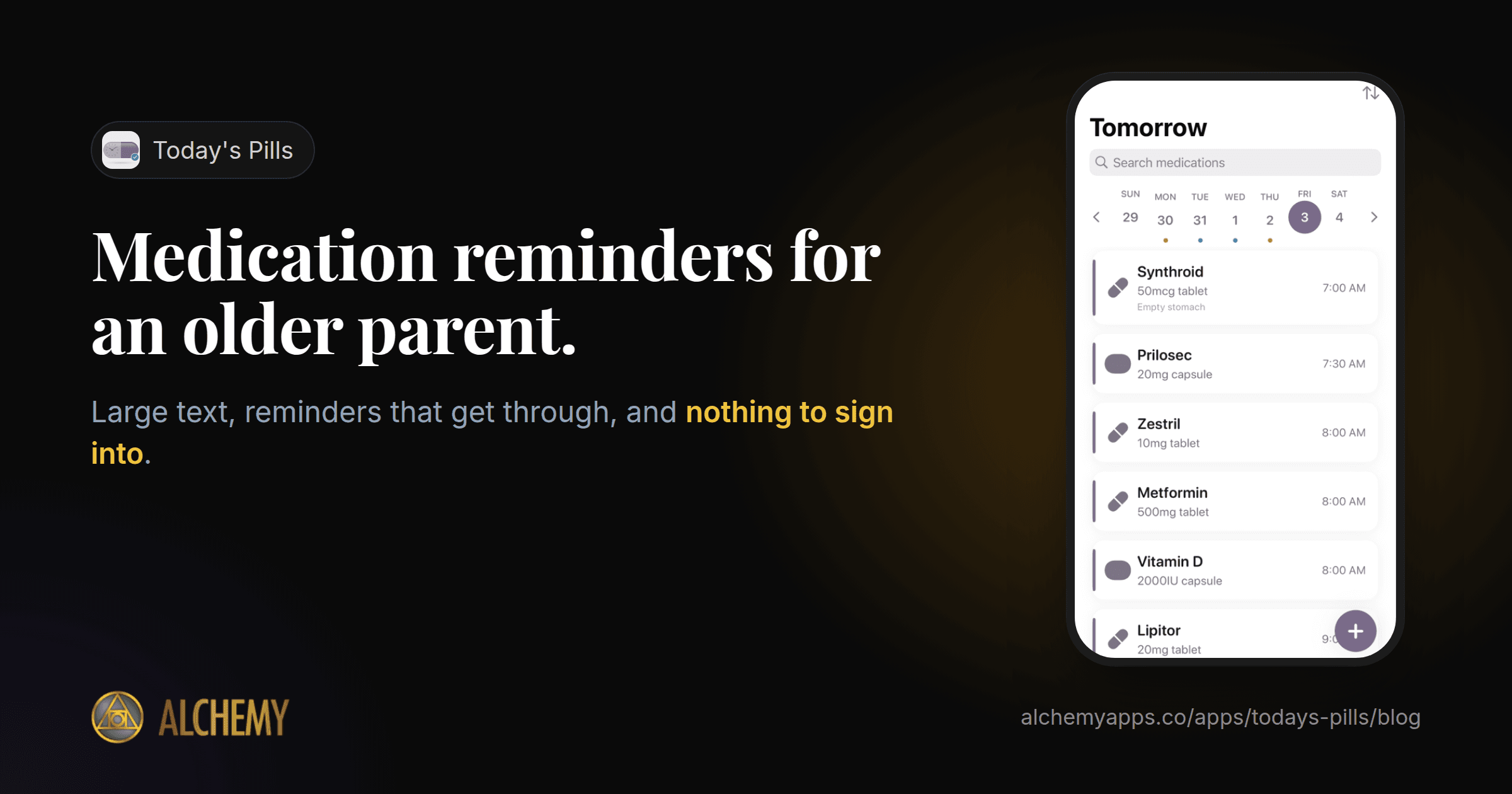
Today's Pills is built for people of all ages, with large, clear text and tap targets, full support for Dynamic Type and VoiceOver, and pill color and shape for quick recognition. Each medication can be set as Critical, Standard or Low urgency. The day appears as a timeline grouped into morning, afternoon, evening and bedtime, and one tap marks a dose as taken. You can also log a dose from the reminder notification, or with Siri: just say "I took my pills in Today's Pills".
There is no account and no ads, and all data stays on the phone. The free version covers up to five medications, with Time Sensitive reminders, small and Lock Screen widgets and a 30-day history. Pro adds unlimited medications, escalating reminders that repeat until a dose is confirmed, larger interactive widgets, a full adherence calendar and exportable reports, after a 7-day free trial.