

 Today's Pills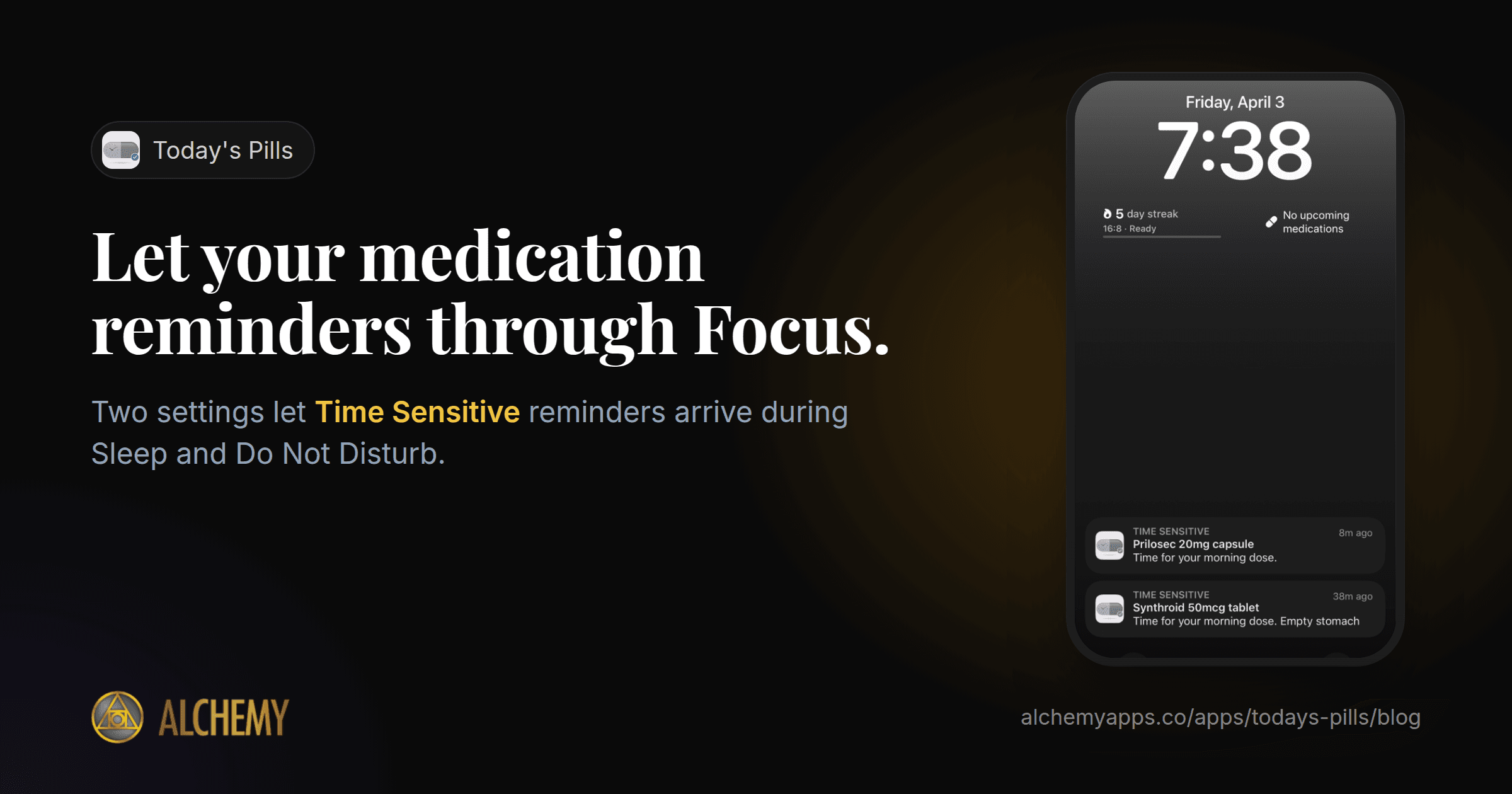
You set a reminder for your evening medication. Then you turn on Sleep Focus, or Do Not Disturb during a meeting, and the reminder arrives silently, stacked under twenty other notifications. You find it the next morning.
Focus modes are useful. But for a medication reminder, silence is the failure. Here is how to let the right reminders through.
What "Time Sensitive" means
iPhone notifications come in levels. Most are ordinary: they wait quietly while a Focus is on. Apps can also mark a notification as Time Sensitive, meaning it matters now. If you allow it, a Time Sensitive notification is delivered immediately even while a Focus is on, and it is not held back for a scheduled summary.
Not every app uses Time Sensitive, and you have to allow it in two places.
Step 1: Allow Time Sensitive for the app
- Open Settings.
- Tap Notifications, then your medication app.
- Make sure Allow Notifications is on.
- Turn on Time Sensitive Notifications.
Step 2: Allow Time Sensitive in each Focus
Each Focus has its own rules, so check every one you use: Do Not Disturb, Sleep, Work and any you have made.
- Open Settings, then Focus.
- Tap a Focus, such as Sleep.
- Under allowed notifications, tap Apps.
- Turn on Time Sensitive Notifications.
- Repeat for each Focus.
If you would rather let every notification from the medication app through, add it to the Focus's list of allowed apps instead.
What Focus settings cannot do
They do not override the silent switch. A Time Sensitive notification still shows on screen and still vibrates if vibration is on, but if your phone is set to silent it will not ring. If you rely on sound, check your silent mode and volume before bed.
They do not make an alert repeat. One notification is easy to swipe away half-asleep. For doses you cannot miss, you want a reminder that comes back until you confirm it.
Critical Alerts are a different thing. Some apps, mostly medical devices and emergency services, have special permission from Apple to sound through silent mode. That is called a Critical Alert, and most reminder apps are not allowed to use it.
How Today's Pills handles this
Today's Pills sends its dose reminders as Time Sensitive notifications, so once you allow them (steps 1 and 2), they come through your Focus modes. That is included free, for up to five medications.
On Pro, escalating reminders repeat until you mark the dose as taken, so a reminder swiped away half-asleep comes back. You can also mark each medication as Critical, Standard or Low, so the reminders that matter most stand out. (Those are labels inside the app, not Apple's Critical Alerts.)
Lock Screen and home screen widgets show your next dose, so you can check without opening anything.
A two-minute check tonight
- Open Settings, then Notifications, then your medication app: Time Sensitive on.
- Open Settings, then Focus, then Sleep, then Apps: Time Sensitive on.
- Set a test reminder two minutes from now, turn on Sleep Focus, and see whether it arrives.
If it arrives, you are set. If it does not, go back through the steps for the Focus you had on.
Struggling to remember doses in the first place? Read why you forget your medication.