

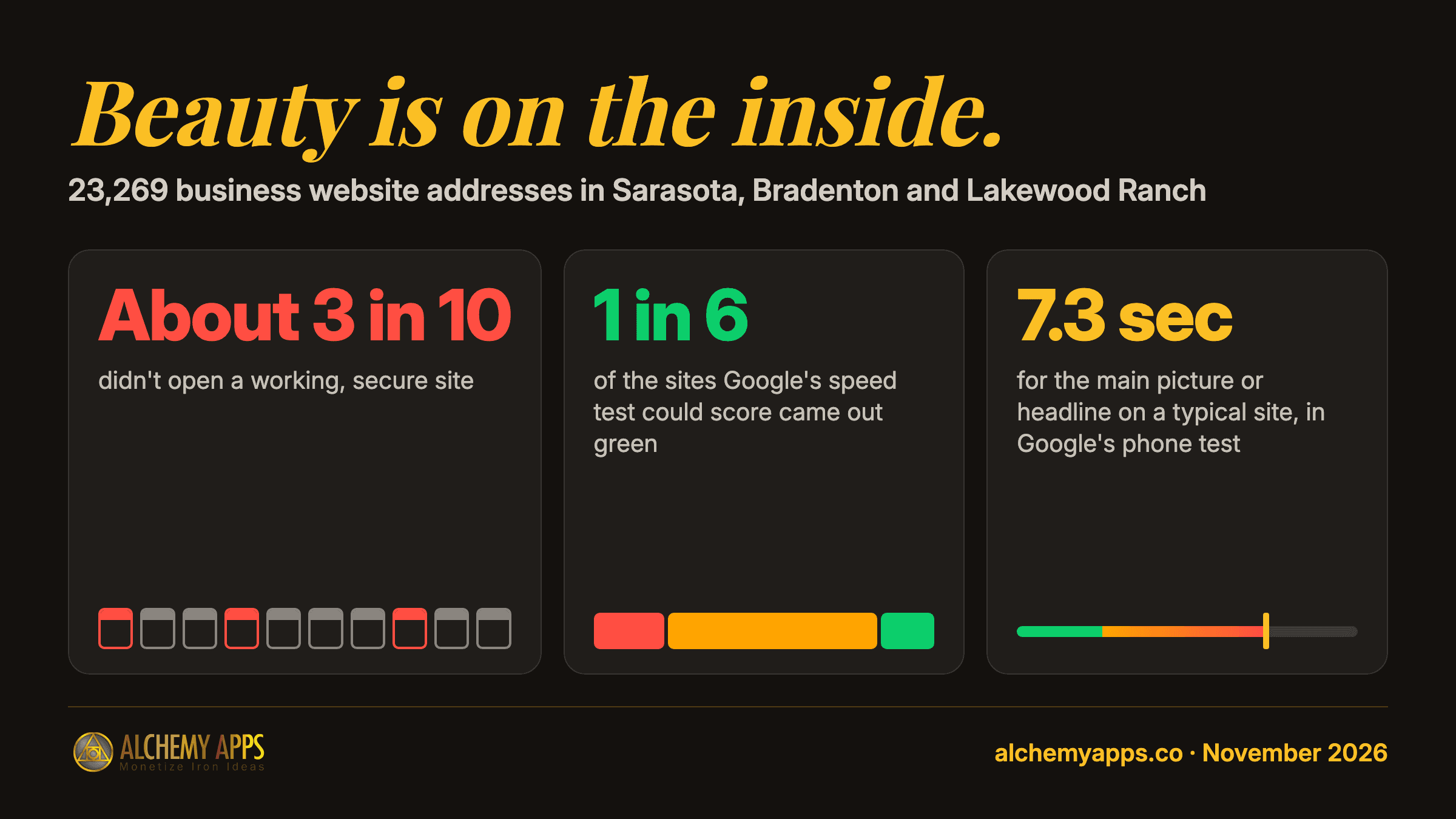
We checked over 23,000 websites in Sarasota, Bradenton and Lakewood Ranch for Google performance. Here's what we found.
Most business owners only see the outside of their website. It looks nice, so they figure whoever built it did a good job.
Your site may look spectacular. But if it's ugly on the inside, people may not find it.
So we checked the websites listed for businesses around here.
What we checked
We pulled the website addresses listed for open businesses and organizations in and around Sarasota, Bradenton and Lakewood Ranch, from public map listings and a local chamber of commerce list. We left out social media and booking pages, and any website shared by four or more locations, like franchise chains. That came to 23,269 website addresses.
We ran two checks on November 13 and 14. First, does the site work at all? Second, Google's own speed test, PageSpeed Insights, on the phone setting. That's Google's free tool, and it runs Lighthouse, the same testing engine that's built into Chrome. We tested each home page once.
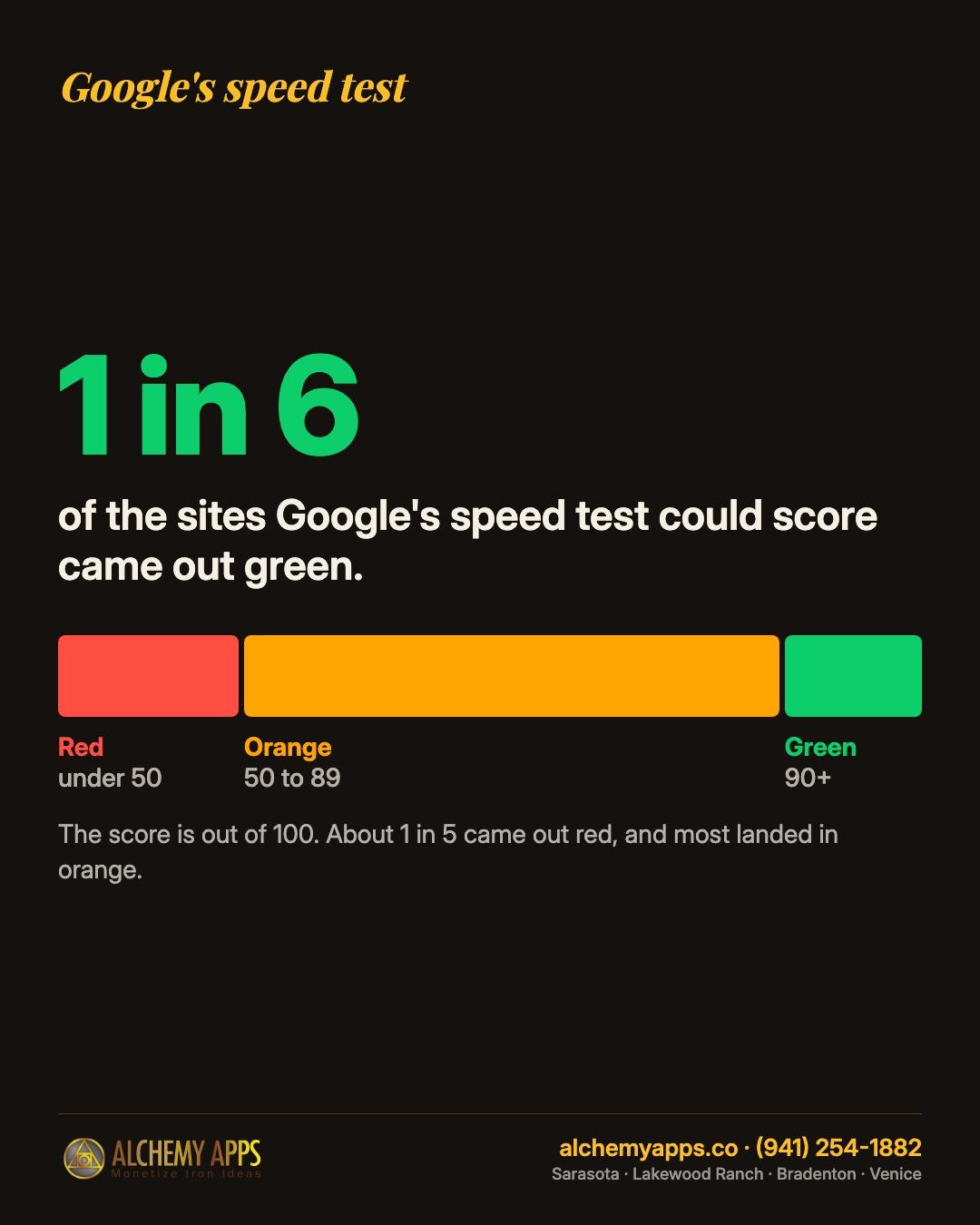
The speed score is out of 100. Green is 90 to 100, orange is 50 to 89, and red is under 50.
About 3 in 10 don't show a working, secure site
6,813 of the 23,269 website addresses didn't show a working, secure website.
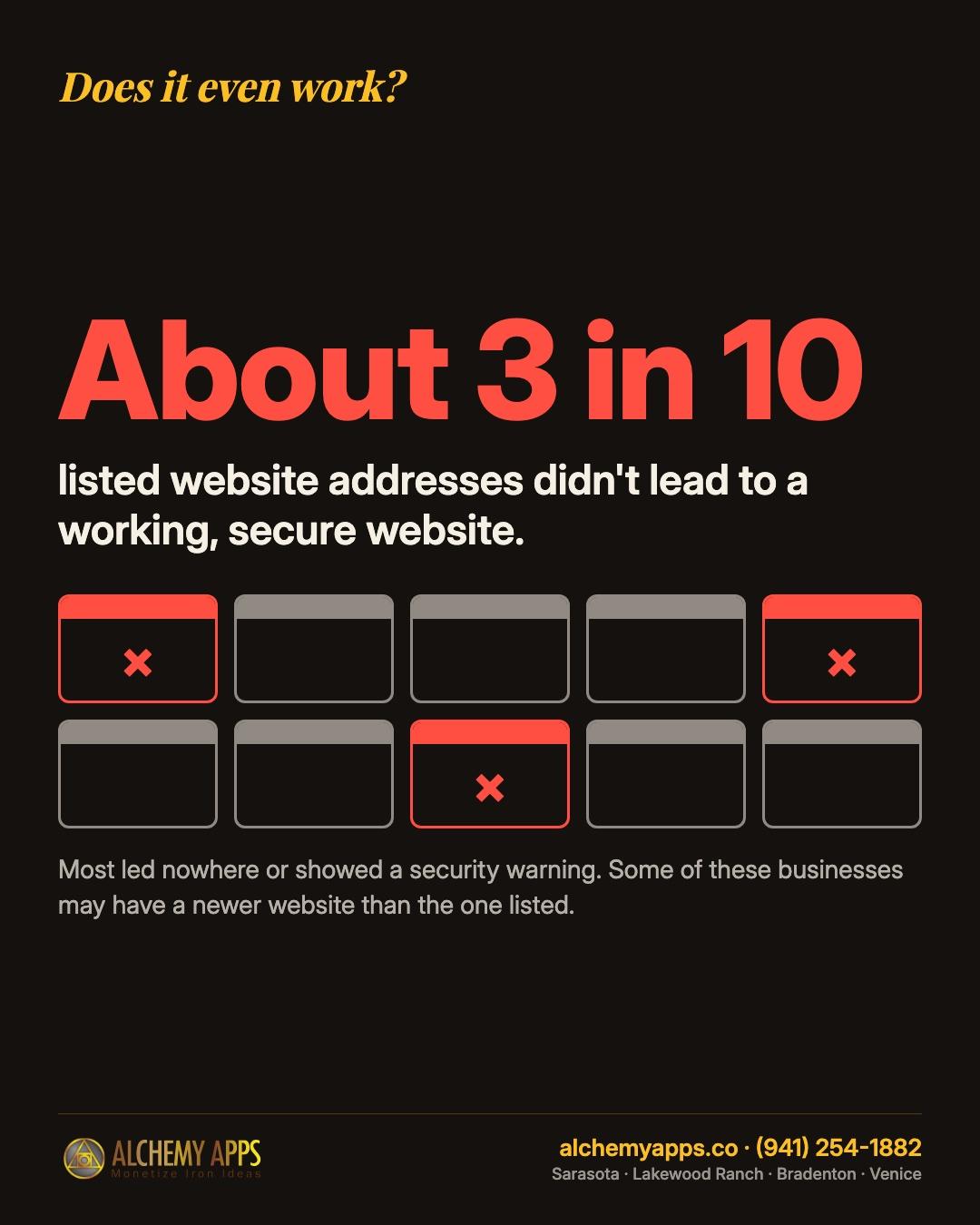
3,260 of them don't point anywhere. 1,245 have a broken security certificate, so the browser shows a warning before anyone sees the site. The rest were parked or for sale, didn't answer, had no secure version, or gave a server error.
Some of these businesses may have a newer website than the one their listing shows. But a customer who finds the old address may hit a dead end or a security warning.
What the speed test found
We got a speed score back for 17,556 sites. Some of the sites with problems above still loaded well enough to score, and a few hundred blocked Google's test. Half of the 17,556 scored 65 or lower.
Only 2,819 scored green, about 1 in 6. 3,714 scored red, about 1 in 5. Most landed in orange.
In Google's simulated phone test, the main picture or headline took 7.3 seconds to show up on a typical site. More than half the sites took 7 seconds or longer.
Sarasota, Bradenton and Lakewood Ranch came out about the same. The median was 65 in Sarasota and Bradenton, and 63.5 in Lakewood Ranch.
Google has counted how pages work for real visitors, speed included, in its rankings since 2021. Our test is one run in Google's test setup, not what Google measures on real visitors, and a good score doesn't get you ranked. Nobody can promise you that. A slow site can lose visitors before they see anything.
What an AI agent sees
Lighthouse now has a check for whether an AI agent can find its way around a page. It looks at the outline of the page that screen readers and AI agents both use: headings in order, buttons that say what they do, and forms with labels. It also looks for an llms.txt file, which is a short plain-text file that gives an AI assistant a summary of your business.
On October 3 we ran it on eight local business websites we picked by hand. Six failed the outline check, and only one had an llms.txt file. Eight hand-picked sites aren't enough to say much about the area.
Why sites go stale
From what I've seen, it goes like this. You pay someone to build it, or you build it yourself, and then it sits. Often nobody watches the speed, and nobody checks what people in your town are searching for now. The site goes stale.
If your site is on Wix, Squarespace or GoDaddy, the code that slows it down isn't yours to fix. WordPress sites get weighed down by themes and plugins.
How to check your own score
- Open your website in Chrome, in an Incognito window.
- Right-click anywhere on the page and pick Inspect.
- Click the Lighthouse tab. It may be hiding behind the >> arrows.
- Pick Mobile, check Performance, and click Analyze page load.
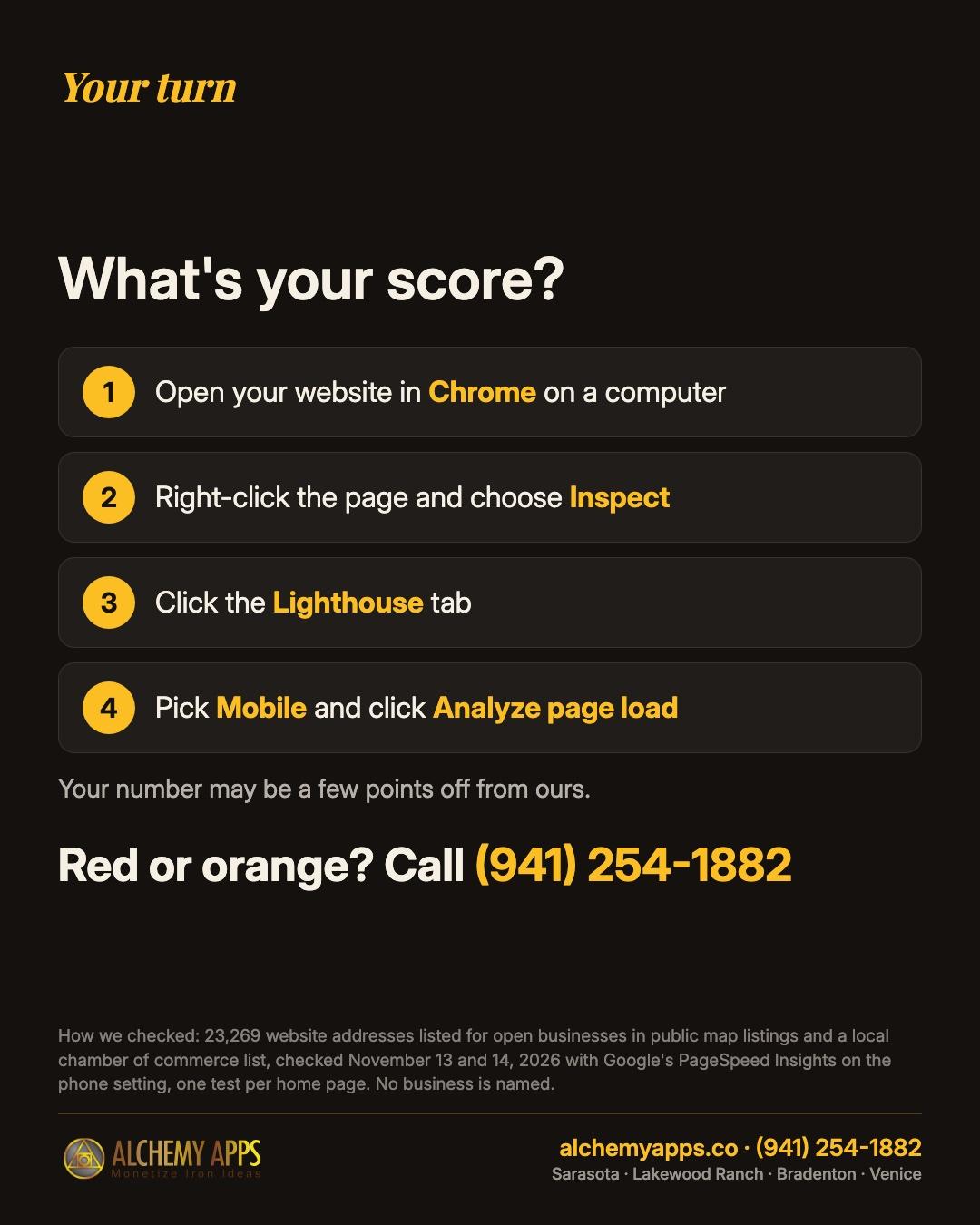
Your number won't match Google's test exactly, and it can move a few points from one run to the next, so run it twice.
There are two ways to run this test, and they can give different answers. One is PageSpeed Insights at pagespeed.web.dev. You type in your web address, and Google's computers load your site and test it. The other is the Lighthouse tab in Chrome, the steps above. That loads your site in your own browser, on your own computer and internet connection.
I'd use Chrome. In our scan, at least 8 sites gave PageSpeed Insights a much lighter page than a visitor gets, with no styling and no scripts. Those sites scored 96 to 100 on PageSpeed Insights. When we ran the Lighthouse test in Chrome on our own computer, the same sites scored 36 to 66.
If your score comes back red or orange, give me a call. If it's green in the low 90s, we can get you closer to the high 90s.
What we do about it
We build on frameworks that are faster and more flexible than the website builders, so we can change what slows a site down.
Then our monthly plan keeps it from going stale. We pull your Google search data every night, check your speed every month, and spend two hours a month working on your site.
If you'd like to know what's inside your site, give me a call at (941) 254-1882 or reach out at alchemyapps.co.
Chris Schrade, Alchemy Apps