

I set up Alchemy Apps on ChatGPT. Here's how it went.
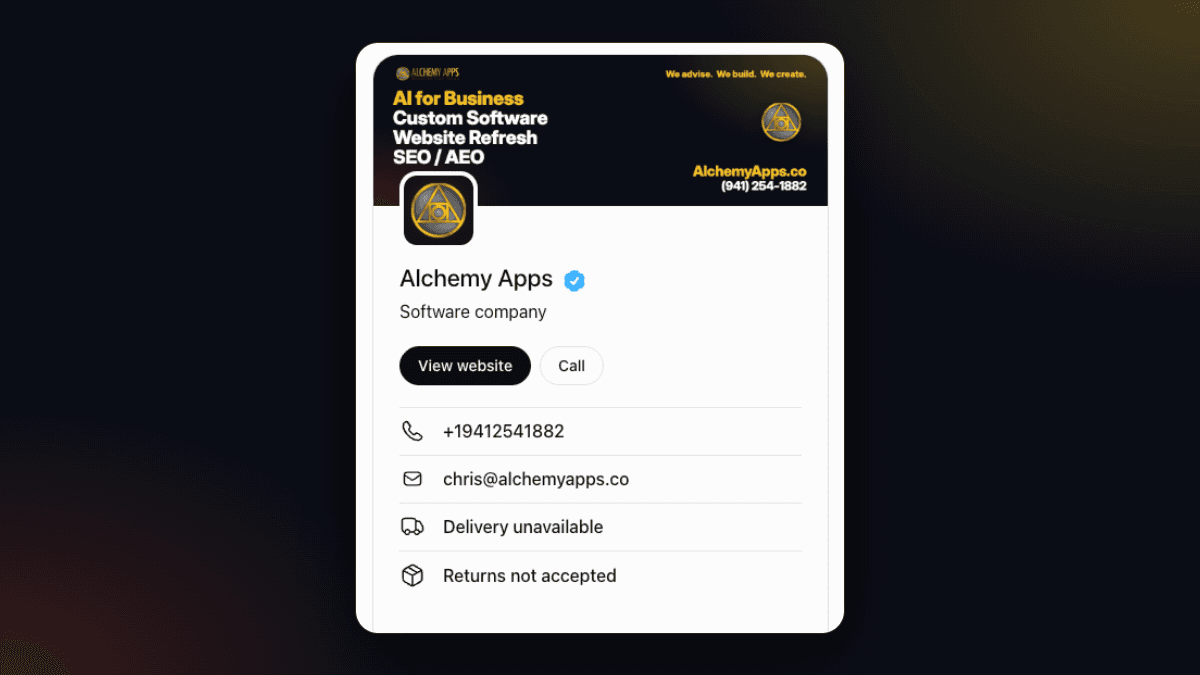
OpenAI opened a beta called Businesses in ChatGPT. You claim your business, and ChatGPT gets a listing for you, a lot like your Google Business Profile. You can also set up a business agent, which is a chat assistant that answers questions about your business inside ChatGPT, and load your products into it.
I set it up for Alchemy Apps on November 14. It took more than I expected, so here's how it went.
Step 1: Claiming and verifying your business
It starts at chatgpt.com/business-hub, where you find your business and claim it. Then you prove it's yours, and that's the biggest part of the whole setup.
First you add a text record to your website's DNS settings, which proves you own the website. If you've never touched your DNS settings, this is the step to get help with. Then you verify your business phone number by text message or a phone call. Last, you upload your driver's license and enter your business details, including the address your business is registered at.
The form asked for a "registration number." For us, that was our EIN. Only type it in on chatgpt.com.
Our verified check showed up the same day.
Step 2: Filling out your profile
The profile has tabs for About, Contact, Photos, Delivery and Returns.
The About section holds 300 characters. My first try got cut off mid-sentence, so put what you do and where you are first.
ChatGPT recommends a 300 x 300 logo and a 1200 x 400 cover photo. Your logo sits on top of the bottom-left corner of the cover, so keep your words out of that corner. I had to redo mine.
Step 3: Setting up your business agent
ChatGPT wrote the first draft of our agent from our website, including its instructions and a tagline. It left our search and AI visibility service out of both, so I added it. I also gave it our phone number and booking page, so it can hand people to a real person. And I added steps for checking your own website's speed score in Chrome.
There's a Test in ChatGPT button, so you can try the agent the way a customer would.
Step 4: Adding your products
This is the technical part. ChatGPT takes your products as a data file. You can upload the file or point ChatGPT to one on your website. Each product needs a title, a description, a price, a link and a picture, and the picture has to already be live on your website.
ChatGPT rejected my first upload because it wanted the file compressed. Our five services are listed with their starting prices.
What you get
You get a listing inside ChatGPT, and you can see how often ChatGPT mentions your business and how often people click. OpenAI says a click doesn't mean the person made it to your website, so don't count it as a lead.
Where I can help
The ID check has to be you, since it's your license and your business info. I can put the DNS record in for you. I can also make your logo and cover photo, write your agent's instructions and build your product file.
If you'd like help, give me a call at (941) 254-1882 or reach out at alchemyapps.co.
Chris Schrade, Alchemy Apps